
SPRING SALE!
30% OFF
SPRING SALE! 30% OFF
BLAME IT ALL ON MY ROOTS


BEST SELLERS
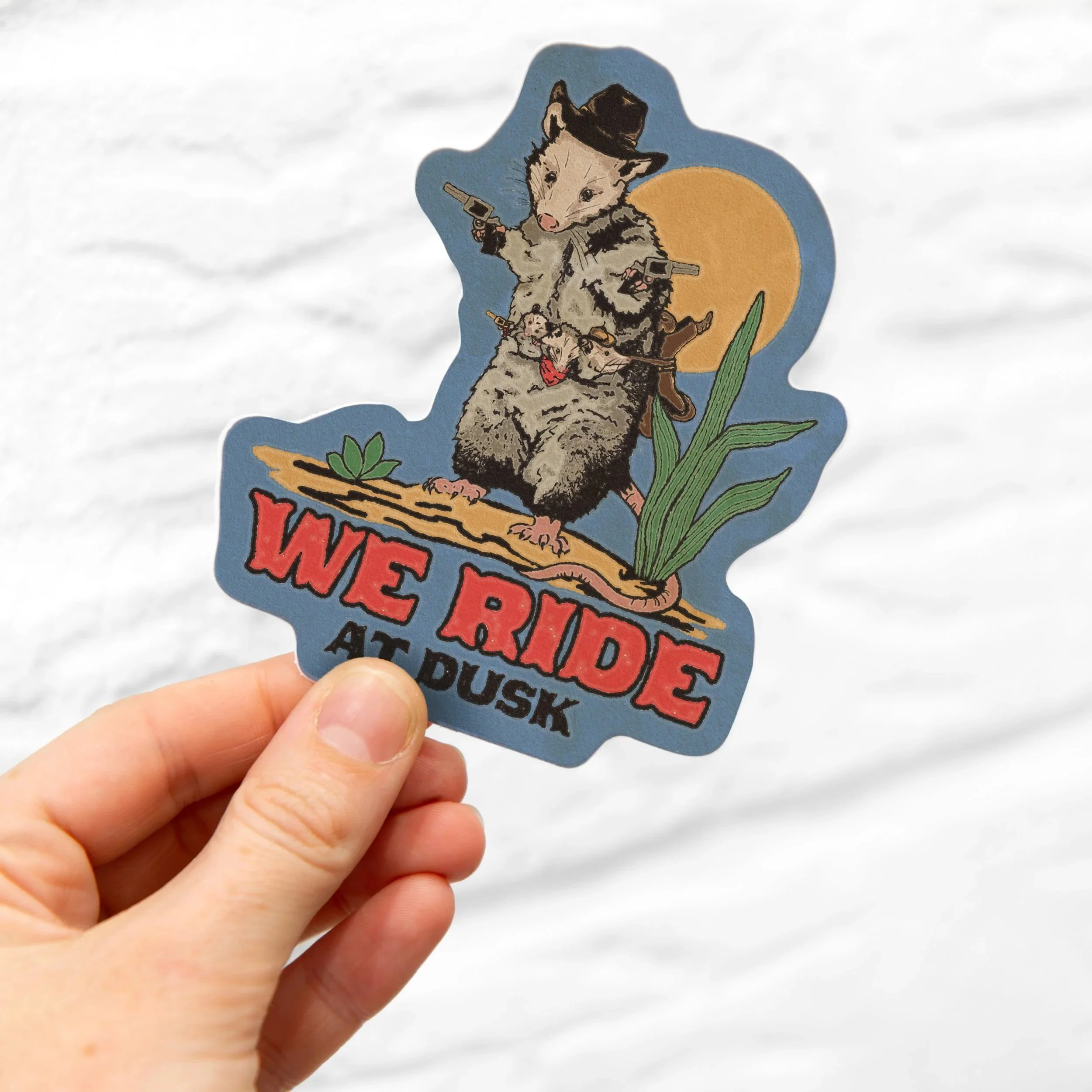
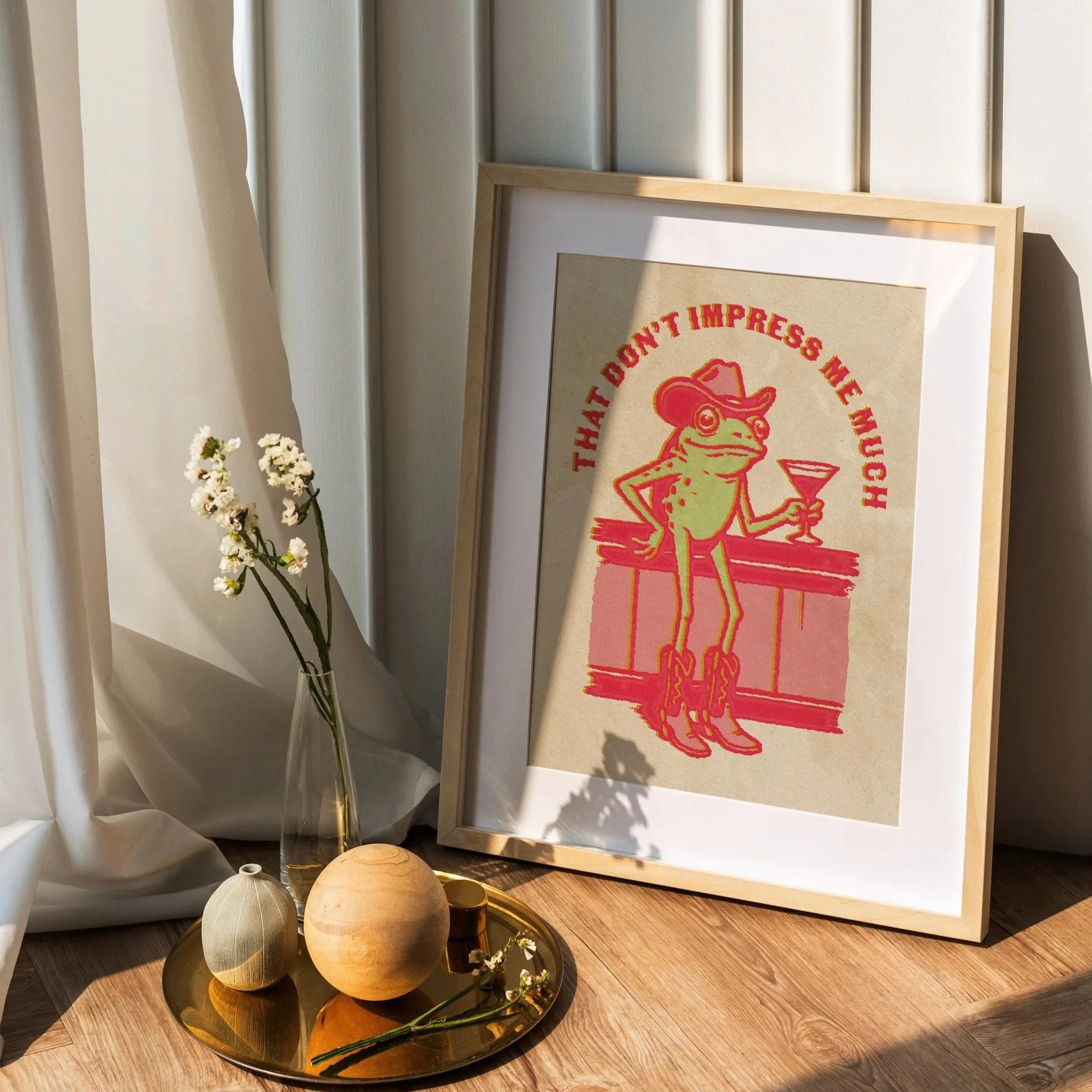
CLOSE OUT SALE

We’re clearing out leftover inventory from last year’s market with a special deadstock/closeout shirt sale. All items are heavily discounted, including select closeout pieces from last year’s market stock at deep, once-it’s-gone-it’s-gone prices. We’ll also have fan-favorite mystery sticker packs and mystery bargain bags.
ABOUT
Cluster Funk Studio is a design brand built on silly ideas, hand-drawn art, and a love for storytelling, defined by limited color palettes, layered textures, and hand-drawn details that create a distinctive, character-rich aesthetic. The designs explore themes of country and western culture, femininity, southern identity, and mythology with playful wit, balancing nostalgia and humor to feel both timeless and refreshingly modern. The studio is best known for its Western Critters series, inspired by classic spaghetti westerns and blending childlike whimsy with mature storytelling to evoke warmth, nostalgia, and joy.

Reviews
“All of my shirts turned out great! She also customized one of my shirts. Which I’m thankful for. This is my second purchase and I’ll definitely be back for more cute shirts!”
— Victoria E 5/5“Love the shirt and so did 4 other strangers the first day I wore it.”
— James C 5/5“Cluster Funk Studio never disappoints! Great quality and absolutely amazing designs. Thank you so much!”
— Stephanie M 5/5WHOLESALE
Want our products in your store? We’ve partnered with Faire Wholesale to make ordering simple and risk-free for retailers. Shop our full wholesale catalog directly through our website with easy reordering, flexible payment terms, and reliable fulfillment so you can focus on selling what your customers love.
We’re proud to be a Faire Top Shop for the past three years, offering retailers a wholesale experience they can trust. Use our direct link below to be redirected to our Faire storefront. New retailers receive 50% off their first order (up to $150), one year of free shipping, 60-day payment terms for eligible retailers, and free returns on their first order.

“Great quality sticker & image! The dog is so cute (in the boots!!). This song brings me back to childhood & the image makes me giggle.”
— Elizabeth SFAQ
LET US ANSWER YOUR QUESTIONS. IF YOU DO NOT SEE YOUR QUESTION HERE, PLEASE FILL OUT THE CONTACT FORM.
-
Yes! We have partnered with Faire Wholesale to bring you our entire catalog. Please use our direct link online to make your purchases.
-
All order are shipped out in 3-6 business days. Business days do not include holidays or weekends. Orders received after 5pm will be processed the next day. Once shipped out, orders will take 3+ business days for First Class or 2+ business days for Priority. Orders may take longer to ship out or arrive due to variables outside of our control such as shipping delays due to extreme weather.
-
We accept returns or exchanges within 1 week of delivery on full priced items. Items on sale are excluded from returns or exchanges. Products must be in the same condition as received. Please fill out the contact form for returns or exchanges. Include your receipt or order number in the message.
-
Yes! Depending on the quantity of items we will do wholesale pricing for bulk orders. Please fill out the contact form.
-
No we do not do any custom designs.
-
Please fill out the contact form
-
We firmly believe that the internet should be available and accessible to anyone and are committed to providing a website that is accessible to the broadest possible audience, regardless of ability. To fulfill this, we aim to adhere as strictly as possible to the World Wide Web Consortium’s (W3C) Web Content Accessibility Guidelines 2.1 (WCAG 2.1) at the AA level. These guidelines explain how to make web content accessible to people with a wide array of disabilities. Complying with those guidelines helps us ensure that the website is accessible to blind people, people with motor impairments, visual impairment, cognitive disabilities, and more. This website utilizes various technologies that are meant to make it as accessible as possible at all times. We utilize an accessibility interface that allows persons with specific disabilities to adjust the website’s UI (user interface) and design it to their personal needs. This application remediates the website’s HTML, adapts its functionality and behavior for screen-readers used by blind users, and for keyboard functions used by individuals with motor impairments. If you wish to contact the website’s owner please use the following email brooke@clusterfunkstudio.com
Screen-reader and keyboard navigation
Our website implements the ARIA attributes (Accessible Rich Internet Applications) technique, alongside various behavioral changes, to ensure blind users visiting with screen-readers can read, comprehend, and enjoy the website’s functions. As soon as a user with a screen-reader enters your site, they immediately receive a prompt to enter the Screen-Reader Profile so they can browse and operate your site effectively. Here’s how our website covers some of the most important screen-reader requirements:
Screen-reader optimization: we run a process that learns the website’s components from top to bottom, to ensure ongoing compliance even when updating the website. In this process, we provide screen-readers with meaningful data using the ARIA set of attributes. For example, we provide accurate form labels; descriptions for actionable icons (social media icons, search icons, cart icons, etc.); validation guidance for form inputs; element roles such as buttons, menus, modal dialogues (popups), and others. Additionally, the background process scans all of the website’s images. It provides an accurate and meaningful image-object-recognition-based description as an ALT (alternate text) tag for images that are not described. It will also extract texts embedded within the image using an OCR (optical character recognition) technology. To turn on screen-reader adjustments at any time, users need only to press the Alt+1 keyboard combination. Screen-reader users also get automatic announcements to turn the Screen-reader mode on as soon as they enter the website. These adjustments are compatible with popular screen readers such as JAWS, NVDA, VoiceOver, and TalkBack.
Keyboard navigation optimization: The background process also adjusts the website’s HTML and adds various behaviors using JavaScript code to make the website operable by the keyboard. This includes the ability to navigate the website using the Tab and Shift+Tab keys, operate dropdowns with the arrow keys, close them with Esc, trigger buttons and links using the Enter key, navigate between radio and checkbox elements using the arrow keys, and fill them in with the Spacebar or Enter key. Additionally, keyboard users will find content-skip menus available at any time by clicking Alt+2, or as the first element of the site while navigating with the keyboard. The background process also handles triggered popups by moving the keyboard focus towards them as soon as they appear, not allowing the focus to drift outside. Users can also use shortcuts such as “M” (menus), “H” (headings), “F” (forms), “B” (buttons), and “G” (graphics) to jump to specific elements.
Disability profiles supported on our website
Epilepsy Safe Profile: this profile enables people with epilepsy to safely use the website by eliminating the risk of seizures resulting from flashing or blinking animations and risky color combinations.
Vision Impaired Profile: this profile adjusts the website so that it is accessible to the majority of visual impairments such as Degrading Eyesight, Tunnel Vision, Cataract, Glaucoma, and others.
Cognitive Disability Profile: this profile provides various assistive features to help users with cognitive disabilities such as Autism, Dyslexia, CVA, and others, to focus on the essential elements more easily.
ADHD Friendly Profile: this profile significantly reduces distractions and noise to help people with ADHD, and Neurodevelopmental disorders browse, read, and focus on the essential elements more easily.
Blind Users Profile (Screen-readers): this profile adjusts the website to be compatible with screen-readers such as JAWS, NVDA, VoiceOver, and TalkBack. A screen-reader is installed on the blind user’s computer, and this site is compatible with it.
Keyboard Navigation Profile (Motor-Impaired): this profile enables motor-impaired persons to operate the website using the keyboard Tab, Shift+Tab, and the Enter keys. Users can also use shortcuts such as “M” (menus), “H” (headings), “F” (forms), “B” (buttons), and “G” (graphics) to jump to specific elements.
Additional UI, design, and readability adjustments
Font adjustments users can increase and decrease its size, change its family (type), adjust the spacing, alignment, line height, and more.
Color adjustments users can select various color contrast profiles such as light, dark, inverted, and monochrome. Additionally, users can swap color schemes of titles, texts, and backgrounds with over seven different coloring options.
Animations epileptic users can stop all running animations with the click of a button. Animations controlled by the interface include videos, GIFs, and CSS flashing transitions.
Content highlighting users can choose to emphasize essential elements such as links and titles. They can also choose to highlight focused or hovered elements only.
Audio muting users with hearing devices may experience headaches or other issues due to automatic audio playing. This option lets users mute the entire website instantly.
Cognitive disorders we utilize a search engine linked to Wikipedia and Wiktionary, allowing people with cognitive disorders to decipher meanings of phrases, initials, slang, and others.
Additional functions we allow users to change cursor color and size, use a printing mode, enable a virtual keyboard, and many other functions.
Assistive technology and browser compatibility
We aim to support as many browsers and assistive technologies as possible, so our users can choose the best fitting tools for them, with as few limitations as possible. Therefore, we have worked very hard to be able to support all major systems that comprise over 95% of the user market share, including Google Chrome, Mozilla Firefox, Apple Safari, Opera and Microsoft Edge, JAWS, and NVDA (screen readers), both for Windows and MAC users.
Notes, comments, and feedback
Despite our very best efforts to allow anybody to adjust the website to their needs, there may still be pages or sections that are not fully accessible, are in the process of becoming accessible, or are lacking an adequate technological solution to make them accessible. Still, we are continually improving our accessibility, adding, updating, improving its options and features, and developing and adopting new technologies. All this is meant to reach the optimal level of accessibility following technological advancements. If you wish to contact the website’s owner, please use the following email brooke@clusterfunkstudio.com